
NinjaOne competitors include Syncro, Atera, Datto RMM, ConnectWise Automate, Kaseya VSA, SuperOps, and Pulseway—tools that manage endpoints, automate patches, and monitor systems without the issues that keep coming up with NinjaOne.
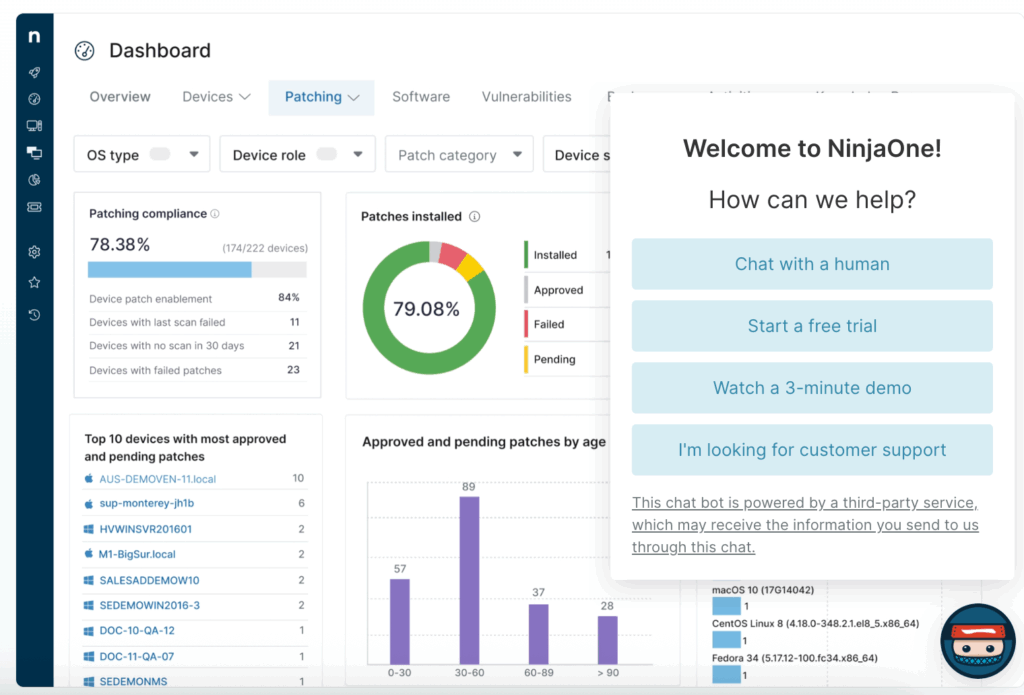
The problem is that most RMM platforms aren’t built the same way. Some have solid PSA integration. Others focus on remote access or billing. A few strip out features that most small teams don’t actually use.
This guide covers:
- Common reasons MSPs and IT teams leave NinjaOne
- Where modern RMM platforms outperform older tools
- Seven alternatives with real differences in pricing, features, and workflow
- What the migration process actually looks like
Why IT teams are moving away from NinjaOne
NinjaOne works fine until it doesn’t. The complaints from MSPs and IT teams tend to cluster around a few recurring issues that affect day-to-day operations more than flashy feature lists.
- Pricing becomes unpredictable as you scale. NinjaOne’s per-device model sounds straightforward until you’re managing 500+ endpoints and realize costs climbed faster than revenue. Add-ons for backup, remote access, or advanced monitoring stack up quickly. Teams running lean margins need clearer numbers upfront.
- PSA integration feels bolted on. If you’re using ConnectWise, Autotask, or another PSA, the sync between NinjaOne and your ticketing system often requires manual intervention. Tickets don’t always populate correctly. Time tracking breaks. Billing data doesn’t flow cleanly. IT teams waste hours reconciling what should be automatic.
- Remote access isn’t fast enough for real support calls. When a client’s down and you need to get in immediately, lag matters. NinjaOne’s remote tools work, but they’re not always responsive enough for time-sensitive troubleshooting. Teams handling high-volume support need faster, more reliable access.
- The interface hasn’t kept up. NinjaOne’s dashboard feels cluttered compared to newer platforms. Finding specific endpoints, filtering alerts, or running reports takes more clicks than it should. Newer RMM tools streamlined workflows that NinjaOne still handles the old way.
- Limited flexibility for custom workflows. If your team runs processes outside NinjaOne’s default setup, you’re often stuck. Custom scripts work, but automation and policy management don’t adapt well to non-standard environments. Growing teams need tools that bend without breaking.
None of these issues make NinjaOne unusable. But when you’re comparing alternatives, the friction adds up—especially if competitors solved these problems years ago.
How modern RMM tools solve NinjaOne’s limitations
The RMM market shifted over the past few years. MSPs needed tighter margins. Internal IT teams got leaner. Remote work made endpoint management more complex. Tools that worked in 2018 started showing cracks under different demands.
Platforms launched after 2020 were built around those realities. They assumed PSA integration mattered from day one. They prioritized remote access speed because support calls got longer. They designed pricing models that didn’t punish growth. The improvements weren’t incremental—they were structural.
- Pricing that scales with your business, not against it. Newer RMM tools dropped rigid per-device pricing. Some use tiered plans based on feature access. Others bundle PSA, RMM, and billing into one flat rate. The goal is predictable costs that don’t penalize growth. You know what you’ll pay at 100 endpoints and at 1,000.
- Native PSA integration, not middleware. Platforms built recently treat PSA as part of the core product. Tickets auto-generate from alerts. Time entries sync without manual input. Billing data flows directly into invoices. The integration works because it was designed that way from the start, not retrofitted later.
- Faster remote access built for support calls. Speed matters when someone’s waiting on the line. Modern tools prioritize low-latency remote sessions, faster desktop loads, and better performance on weak client connections. Some added multi-monitor support and file transfer improvements that NinjaOne’s remote tools still lack.
- Interfaces designed for fewer clicks. Newer dashboards focus on what techs actually need: quick endpoint search, clear alert prioritization, and one-click script deployment. Less scrolling. Fewer nested menus. Faster reporting. The UI assumes you’re busy and need to move fast.
- Flexible automation for non-standard setups. Modern RMM platforms let you build custom workflows without heavy scripting. Policy templates adjust to different client environments. Automation adapts to edge cases instead of forcing you into predefined processes. If your workflow is unusual, the tool bends.
The platforms that follow handle these improvements differently. Some prioritize all-in-one simplicity. Others focus on deep customization. A few strip out enterprise bloat entirely for smaller teams.
Here’s how they compare.
7 NinjaOne alternatives for MSPs and IT teams
The RMM market shifted over the past few years. MSPs needed tighter margins. Internal IT teams got leaner. Remote work made endpoint management more complex. Tools that worked in 2018 started showing cracks under different demands.
The platforms that follow handle these improvements differently. Some prioritize all-in-one simplicity. Others focus on deep customization. A few strip out enterprise bloat entirely for smaller teams. Here’s how they compare.
1. Syncro: Best for MSPs seeking unified PSA-RMM with native payment processing
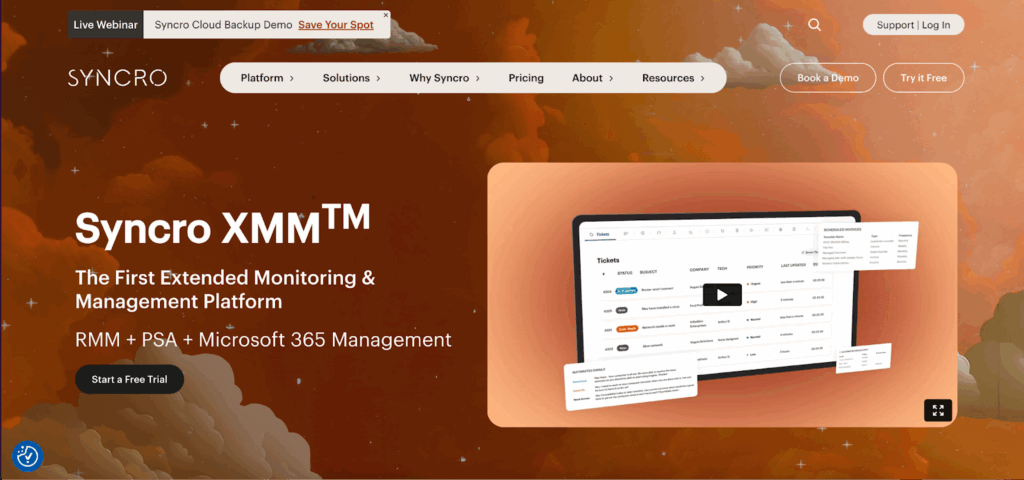
Overview: Syncro is the modern MSP’s answer to platform fragmentation. Built from the ground up as an integrated PSA-RMM solution, it eliminates the integration tax that plagues legacy toolstacks. What sets Syncro apart is its integrated payments built into the PSA—a subtle but powerful differentiator that turns billing from a monthly headache into automated revenue collection. The platform was purpose-built for small to mid-sized MSPs who need enterprise-grade automation without enterprise-grade complexity or cost.
Pros:
- True platform integration: PSA and RMM share a single database, eliminating sync issues and duplicate data entry that plague bolt-on integrations
- Built-in payment processing: Native Syncro payments automate client billing and collection, reducing DSO and administrative overhead
- Script library and automation: Advanced scripting capabilities with a community-driven library that accelerates deployment of common fixes
- Transparent, predictable pricing: Per-technician licensing with unlimited endpoints removes the unpredictable costs that come with per-device pricing models
- Modern, intuitive interface: Clean UX that reduces technician training time and increases adoption rates
Cons:
- Focused feature set: Syncro deliberately avoids feature bloat, which means highly specialized MSPs might need supplementary tools for niche requirements
- Optimal for smaller MSPs: The platform’s straightforward approach is ideal for teams under 50 technicians; larger enterprises with complex hierarchies may need more granular permission structures
- Growing ecosystem: While integrations cover essential tools, the marketplace is still expanding compared to decades-old incumbents
Why it made the list: Syncro earns the top spot because it solves the fundamental problem most MSPs face: tool sprawl. By unifying PSA and RMM with native payment processing, it eliminates the integration overhead that quietly drains 10-15 hours per week from typical MSP operations. The per-technician pricing model also aligns costs with business growth rather than punishing success with per-endpoint fees.
2. Atera: Best for per-technician pricing and automated IT
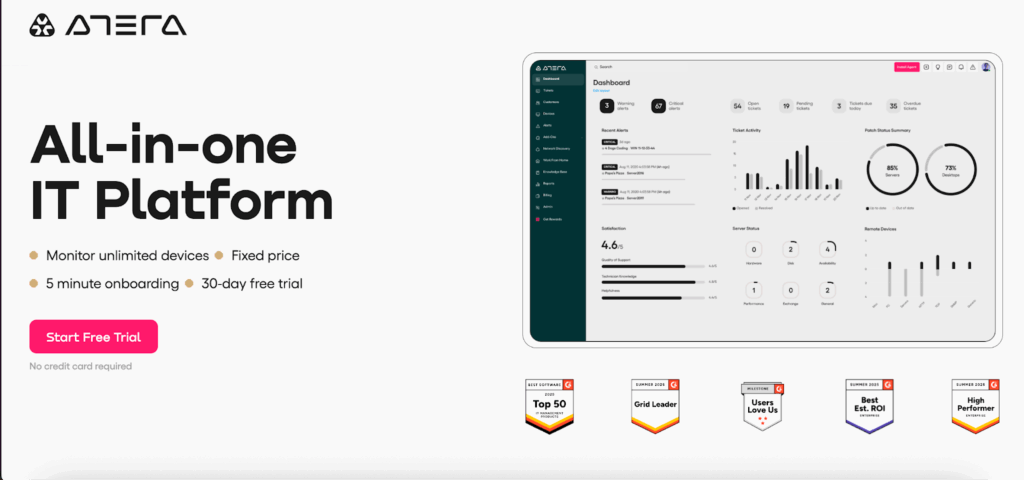
Overview: Atera pioneered the per-technician pricing model that’s now reshaping RMM economics. The platform combines remote monitoring, helpdesk, and billing in a cloud-native architecture designed for technician efficiency. Atera’s approach resonates with MSPs tired of calculating device counts and facing surprise invoices when they grow.
Pros:
- Unlimited devices per technician removes growth friction
- AI-powered automation suggests fixes and automates routine tasks
- Mobile app enables true remote work for technicians
- Built-in reporting for client QBRs and internal metrics
Cons:
- Patch management features lag behind specialized competitors
- Advanced scripting requires third-party integrations
- Network discovery can miss complex topology elements
Why it made the list: Atera’s pricing model fundamentally changes MSP economics, making it possible to serve clients with hundreds of endpoints without cost anxiety. This matters in 2025, where IoT devices and BYOD policies have exploded endpoint counts beyond traditional desktop/server ratios.
3. Datto RMM: Best for backup-centric MSPs
Overview: Datto RMM (now part of Kaseya) brings decades of MSP-focused development to a platform that integrates seamlessly with Datto’s business continuity suite. For MSPs who’ve built their practice around data protection, Datto RMM provides the monitoring and management layer that complements BCDR services.
Pros:
- Deep integration with Datto BCDR solutions
- Predictive analytics flag issues before they become outages
- ComStore provides vetted patches and software deployment
- Strong Mac and Linux support alongside Windows
Cons:
- Pricing complexity increases with add-on modules
- Steeper learning curve than newer competitors
- Mobile app functionality trails cloud-native alternatives
Why it made the list: For MSPs whose revenue model centers on backup and disaster recovery, Datto RMM’s tight integration with BCDR tools creates operational efficiency that standalone RMMs can’t match. The platform’s maturity also means fewer edge-case bugs.
4. ConnectWise Automate: Best for enterprise-scale MSPs
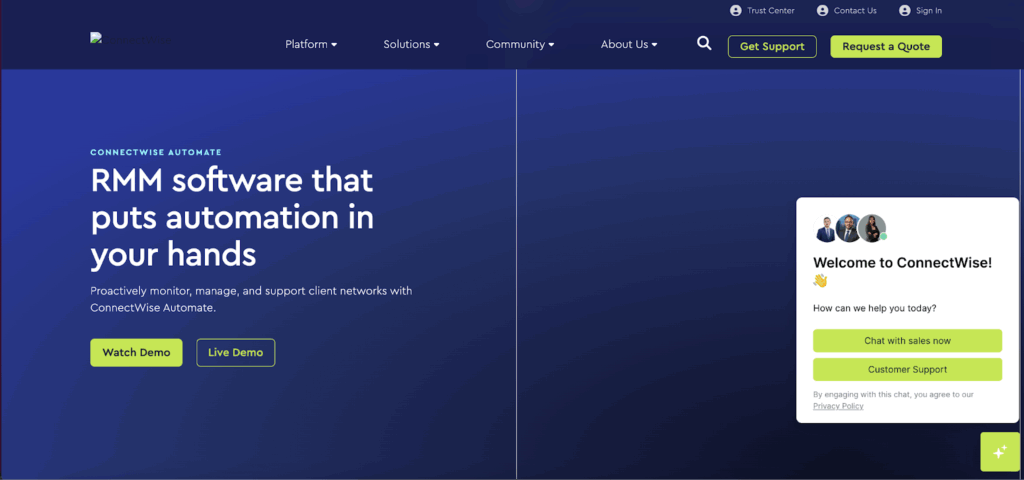
Overview: ConnectWise Automate (formerly LabTech) remains the heavyweight champion for large MSPs managing thousands of endpoints across complex organizational structures. Its scripting engine and automation capabilities are unmatched in depth, though this power comes with corresponding complexity.
Pros:
- Industry-leading automation and scripting capabilities
- Extensive third-party integrations via the ConnectWise marketplace
- Granular control over monitoring and remediation policies
- Strong community and knowledge base
Cons:
- Significant learning curve requires dedicated training
- On-premise requirements for some deployments add infrastructure overhead
- Pricing can escalate quickly with endpoint growth
- UI feels dated compared to cloud-native alternatives
Why it made the list: Despite newer competitors, ConnectWise Automate still dominates the enterprise MSP space because its scripting engine can handle edge cases that break simpler platforms. If your clients include multi-national corporations or complex industrial environments, Automate’s flexibility justifies its complexity.
5. Pulseway: Best for mobile-first IT teams
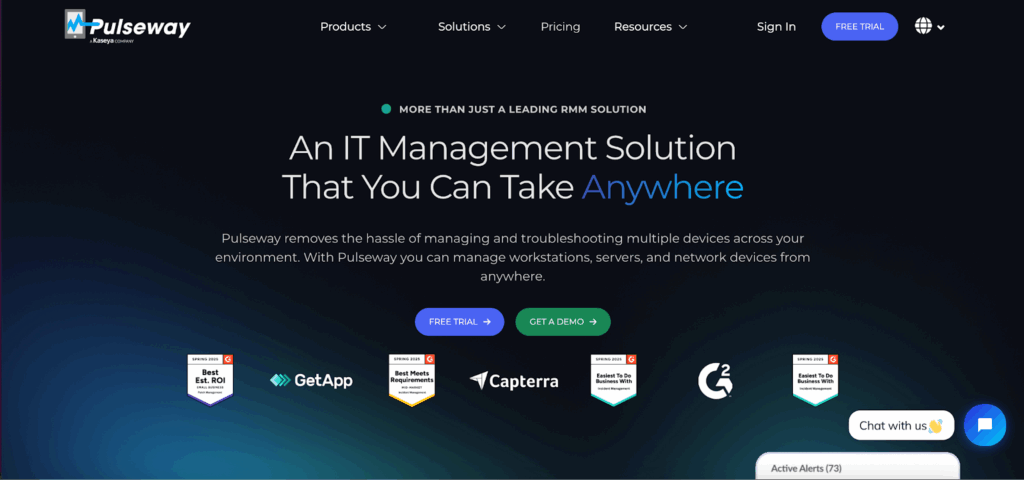
Overview: Pulseway rebuilt RMM around mobile devices rather than treating mobile as an afterthought. The platform delivers real-time alerts and remediation capabilities through apps that rival the desktop experience, making it ideal for technicians who manage infrastructure while on the move.
Pros:
- Industry-leading mobile app with full remediation capabilities
- Real-time notifications with intelligent alert prioritization
- Intuitive interface requires minimal training
- Workflow automation reduces ticket resolution time
Cons:
- Reporting capabilities are functional but not as deep as enterprise competitors
- Patch management requires third-party integration for some scenarios
- A newer platform means a smaller community and knowledge base
Why it made the list: As remote and hybrid work normalized, the ability to respond to infrastructure issues from anywhere became critical. Pulseway’s mobile-first architecture means technicians can resolve issues from a smartphone that used to require VPN and desktop access.
6. SuperOps: Best for unified PSA-RMM on a budget

Overview: SuperOps emerged as a direct challenger to the Syncro model: integrated PSA-RMM with aggressive pricing aimed at cost-conscious MSPs. The platform emphasizes automation and AI-powered assistance to help smaller teams punch above their weight.
Pros:
- Competitive pricing with transparent structure
- AI copilot assists with ticket resolution and documentation
- Modern, clean interface with minimal learning curve
- Regular feature updates driven by user feedback
Cons:
- Younger platform still building advanced features
- Integration marketplace smaller than established competitors
- Some enterprise features still in development
- Limited customization options for complex workflows
Why it made the list: SuperOps is part of a new generation of MSP platforms that challenge the assumption that you need to pay legacy vendor prices for core PSA-RMM functionality. For bootstrap MSPs, the cost savings can be redirected into marketing and sales.
7. N-able N-sight: Best for security-focused MSPs
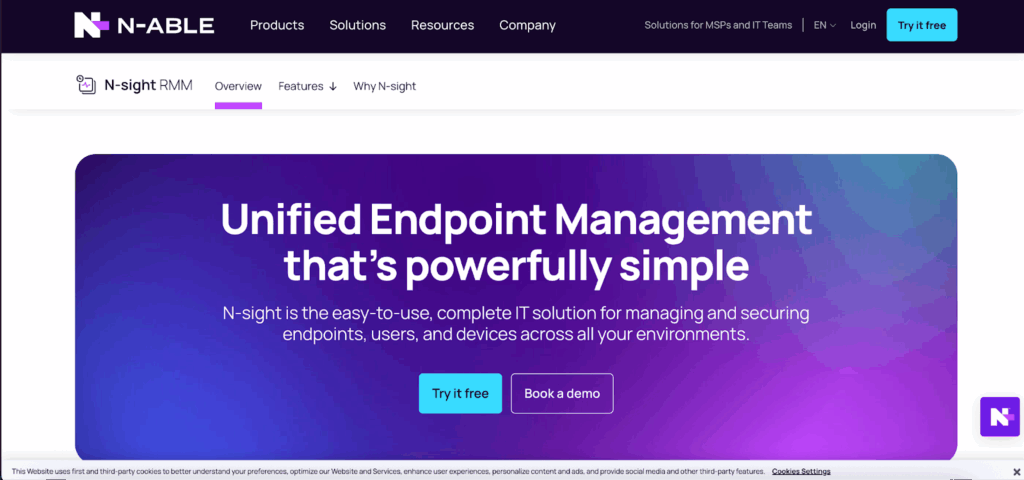
Overview: N-able N-sight (formerly SolarWinds RMM) emphasizes security and compliance monitoring alongside traditional RMM capabilities. The platform’s strength lies in vulnerability scanning, patch management, and security posture reporting—critical differentiators as cybersecurity insurance becomes mandatory.
Pros:
- Advanced security features, including EDR and vulnerability scanning
- Automated patch management with testing and rollback
- Security reporting that supports HIPAA/PCI programs; vendor maintains HIPAA Type 1 compliance.
- Integration with N-able’s security stack
Cons:
- Pricing increases significantly with security add-ons
- Interface complexity reflects feature depth
- Some features require N-able Backup or other suite components
- Mobile experience is limited compared to mobile-first competitors
Why it made the list: As cyber insurance requirements tighten and compliance audits intensify, MSPs need platforms that treat security as core functionality rather than a checkbox. N-able N-sight’s vulnerability management and compliance reporting turn security from a cost center into a revenue opportunity.
| Platform | Best for | Pricing model | PSA integration | Remote access speed | Automation and scripting | Interface and usability | Key differentiator |
| Syncro | Unified PSA-RMM with payment automation | Per technician (unlimited endpoints) | Native (built-in PSA and billing) | Fast and stable | Advanced, community-driven scripts | Modern and intuitive | Combines RMM, PSA, and payments in one tool |
| Atera | AI automation and unlimited devices | Per technician (unlimited endpoints) | Built-in PSA; broad integrations marketplace | Reliable, fast | AI-suggested automation and scripts | Clean and mobile-ready | Simplified growth-friendly pricing |
| Datto RMM | MSPs focused on backup and business continuity | Per device plus add-ons | Via Autotask PSA | Strong, reliable | Predictive analytics and ComStore scripts | Mature, detailed interface | Tight backup and recovery integration within the Datto suite |
| ConnectWise Automate | Enterprise-scale MSPs | Per device or per user hybrid | Native with ConnectWise PSA | High performance, requires setup | Industry-leading scripting engine | Functional but dated | Deepest automation and policy control |
| Pulseway | Mobile-first IT management | Per device (custom tiers) | Basic PSA integrations | Fastest mobile response | Workflow automation | Extremely intuitive | Full remediation through mobile app |
| SuperOps | Budget-friendly PSA-RMM unification | Per technician | Native (unified PSA-RMM) | Fast and stable | AI-assisted automation | Sleek, minimal interface | Affordable all-in-one alternative to Syncro |
| N-able N-sight | Security and compliance-focused MSPs | Per device plus add-ons | Integrates with the N-able suite | Stable, moderate | Robust patching and endpoint detection, and response automation | Complex but powerful | Built-in security and compliance reporting |
What to expect when switching from NinjaOne
Migration is easier than most MSPs expect.
You’re looking at maybe two weeks to get fully operational, not some nightmare months-long project. Agent deployment happens automatically, client data imports cleanly, and your PowerShell or Bash scripts transfer over with minor tweaks. Community script libraries already replicate most common automations anyway.
Here’s what changes immediately: your bill stops being a surprise. NinjaOne’s per-device pricing means every time a client adds endpoints, your costs jump. Per-technician pricing eliminates that entirely—you pay for your team size, period. Client adds 500 devices? Your invoice stays the same. It fundamentally changes how you think about growth.
The biggest relief is ditching the integration mess. If you’re bridging NinjaOne with a separate PSA, you know the drill—sync issues, duplicate tickets, hours spent reconciling data every week. A unified PSA-RMM platform just eliminates it. Everything lives in one place. Add native payment processing and you’ve automated the entire cycle from service delivery to getting paid.Ready to eliminate unpredictable costs and integration headaches?
Request a demo or start your free trial and compare it to what you’re currently managing.
Frequently Asked Questions
It really depends on what you need. Syncro is the go-to if you want PSA and RMM actually built together instead of duct-taped via API, plus it has native payment processing. Pulseway is great if your techs live on their phones. ConnectWise Automate still owns the enterprise space if you need serious automation depth. And if you’re selling security services, N-able N-sight has the compliance and vulnerability tools built in.
NinjaOne charges per device—usually $3-$5 per endpoint plus extra for backup, advanced monitoring, and remote access (ballpark estimates from third-party reviews). So 500 endpoints runs you $1,500-$2,500 monthly before add-ons, and it climbs every time a client adds devices. Syncro and Atera flip that model—they charge per technician (around $129-$199 monthly) with unlimited devices. If your techs manage 1,000+ endpoints each, you’re probably cutting your RMM bill in half.
About two weeks if you’re organized. Agent rollout takes a few days, migrating scripts and policies takes another few days, PSA setup is quick if you’re going unified, and you’ll want to run both systems in parallel for a bit to make sure nothing breaks. Unified platforms like Syncro are faster since you’re not wiring up separate PSA integrations.
Five things come up constantly: pricing that gets expensive fast as you grow, PSA integrations that need constant babysitting, remote access that lags when you’re on a live support call, an interface that hasn’t kept up with newer tools, and limited flexibility if your workflows don’t match their defaults. None of it’s a dealbreaker alone, but it adds up.
Syncro, because it’s not an integration—it’s one platform. The PSA and RMM run on the same database, so tickets just appear when alerts fire, time tracking happens automatically, and billing data flows straight into invoices. If you want to keep your existing PSA, Atera and SuperOps connect to ConnectWise or Autotask cleaner than NinjaOne does.
Per-device means you pay for every endpoint—$3-$5 each. When clients add devices, your bill goes up even if your workload doesn’t. Per-technician means you pay a flat rate per tech (usually $129-$199) and manage unlimited devices. If you’re efficient and your techs handle 500+ devices each, per-technician pricing saves you a ton, and your bill stays predictable.
Syncro or SuperOps. Both have straightforward pricing, everything’s in one platform, so you’re not juggling multiple tools, and they’re simple enough that you don’t need a week of training. Syncro’s payment processing is clutch for small shops where cash flow matters. Atera works too if the per-tech model and AI automation fit how you work.
Most of them. PowerShell and Bash scripts run on other platforms once you swap out a few platform-specific variables—usually just a couple lines per script. A lot of the common stuff already exists in community libraries anyway, so you might not even need to migrate everything. Plan on a few days to get your scripts moved over.

Share
Related Resources