TL;DR: Kaseya VSA offers deep automation but comes with a steep price tag and a complex interface. Top alternatives include Syncro (unified RMM, PSA, and M365), NinjaOne (powerful automation), ConnectWise Automate (extensive integrations), Atera (flat-rate billing), and N-able N-central (security focus). Consider pricing model, ease of use, and integration needs when choosing your RMM platform.
Kaseya VSA has been a trusted name in remote monitoring and management for years, but Kaseya’s competitors are gaining ground as MSPs and IT teams seek alternatives that better fit their needs. The platform offers powerful automation capabilities but comes with per-endpoint pricing exceeding $5 monthly per device, a learning curve requiring 2-3 months for technician proficiency, and support response times stretching beyond 24 hours for less demanding issues.
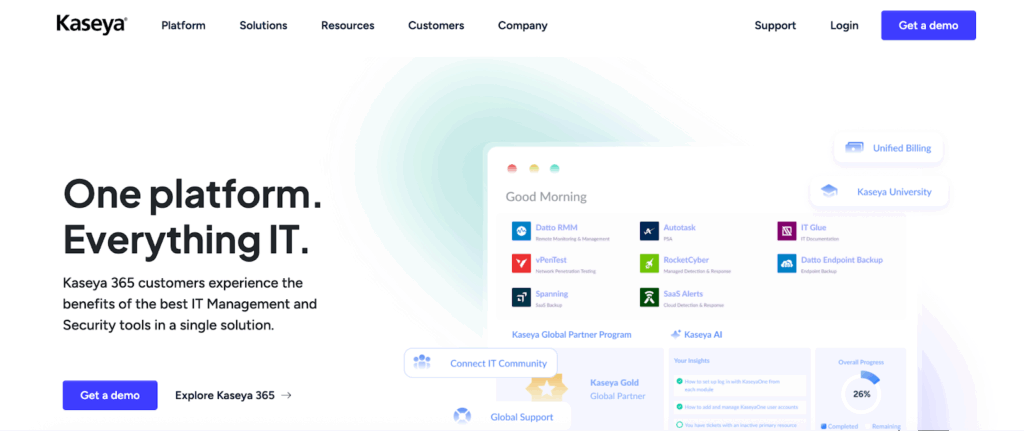
Kaseya VSA combines remote monitoring, patch management, and automation with 600+ pre-built scripts, native ransomware detection, and PSA integrations. The platform excels at policy-based automation rules and network discovery using fingerprinting technology. Industry estimates suggest pricing runs $4-5 per endpoint monthly, the interface requires 40-60 hours of configuration, and recent reviews mention limited pre-configured templates and slow support response times. The July 2021 ransomware attack still raises security concerns today.
Best Kaseya alternatives for MSPs and IT teams (ranked and compared)
Syncro: Best for unified RMM, PSA, and M365 management
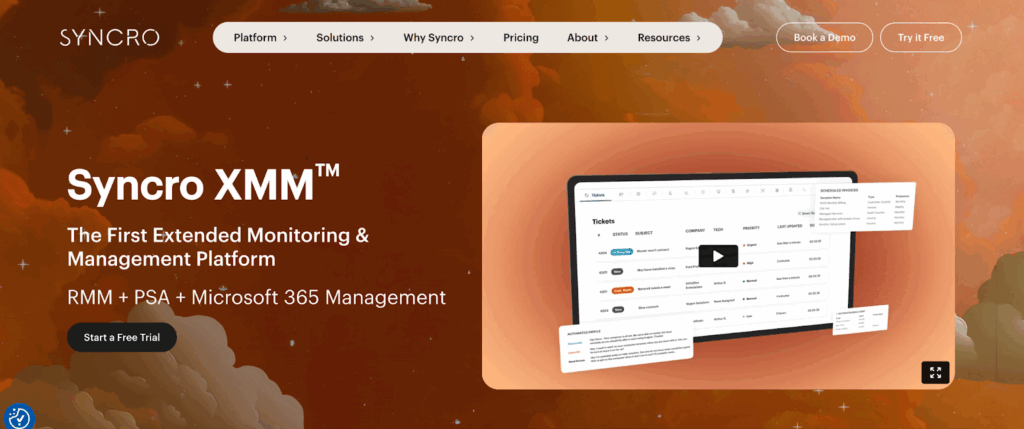
Syncro combines RMM, PSA, and Microsoft 365 management into a unified Extended Monitoring and Management (XMM) platform, eliminating tool sprawl from managing separate subscriptions with independent user management and data silos.
Key features: Flat per-technician pricing at $129 per month (Core plan) or $199 per month (Team plan with M365 management) for unlimited endpoints. Comprehensive RMM features including scripting support for PowerShell, Batch, and Ruby, patch management with automatic approval rules, and customizable alerts with multi-channel routing.
PSA capabilities handle smart ticketing with automated routing, automated billing, calculating charges from time entries and assets, and reporting with pre-built templates. Remote access through integrated Splashtop comes included, eliminating $3-5 per technician monthly fees other platforms charge.
Microsoft 365 management features automate Entra ID tasks, including user provisioning and password resets, benchmark tenants against CIS Microsoft 365 Foundations Benchmark standards, and back up Microsoft 365 mailboxes, OneDrive, SharePoint, and Teams data.
Pros: Growing MSPs (10-100 clients) and internal IT teams (50-500 employees) consolidate from 3-5 separate tools. Technicians spend less time switching contexts (studies show context switching can waste up to 40% of worker productivity). Custom script libraries and automated remediation reduce repetitive manual work. New technicians are productive within 3-5 days versus 4-8 weeks for complex alternatives. Migration tools help move from Atera, Autotask, NinjaOne, and ConnectWise.
Cons: The all-in-one approach means you get RMM, PSA, and M365 management in a single platform rather than picking best-of-breed point solutions. Some MSPs prefer the flexibility of choosing separate specialized vendors for each function, though this creates the integration challenges and tool sprawl that Syncro eliminates.
Best for: Growing MSPs and internal IT teams dealing with disconnected toolsets, inefficient workflows requiring manual data entry, and limited scalability from per-endpoint costs eroding margins.
NinjaOne: Best RMM for automation-heavy MSPs
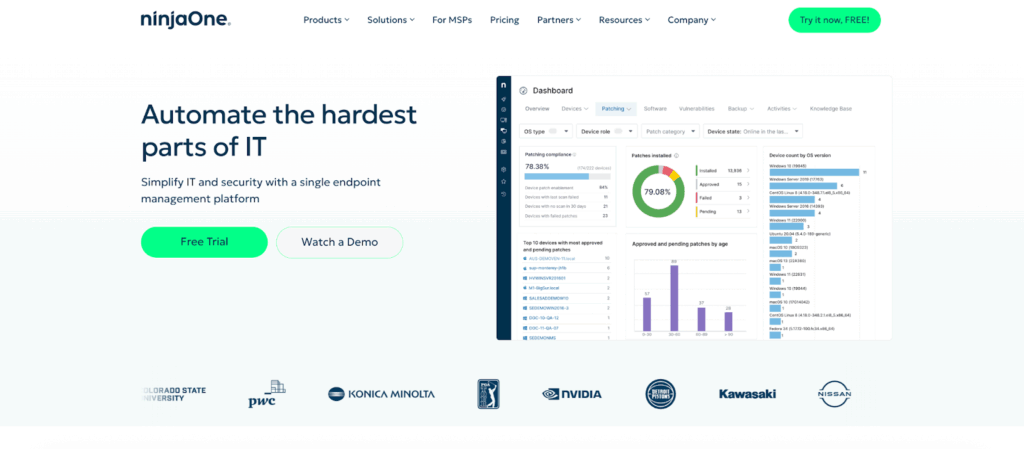
NinjaOne has surged to the number three spot in global RMM market share, growing more than 54% year-over-year. The platform delivers powerful automation with an interface that technicians can navigate productively within the first week.
Key features: Patch management with granular deployment timing, approval workflows, and rollback capabilities. Lightweight agent under 100MB memory footprint. Real-time monitoring with sub-minute alert latency.
Pros: Advanced automation without Kaseya’s steep learning curve. Integration with PSA tools like Autotask and ConnectWise. 24/7 customer support with phone and chat access.
Cons: Per-endpoint pricing starting around $3-4 per device monthly. Key features like ticketing and advanced remote access cost 30-50% more.
Best for: MSPs managing 100-1,000+ endpoints needing sophisticated automation without extensive training or dedicated automation specialists.
ConnectWise Automate: Best RMM for MSPs already using ConnectWise
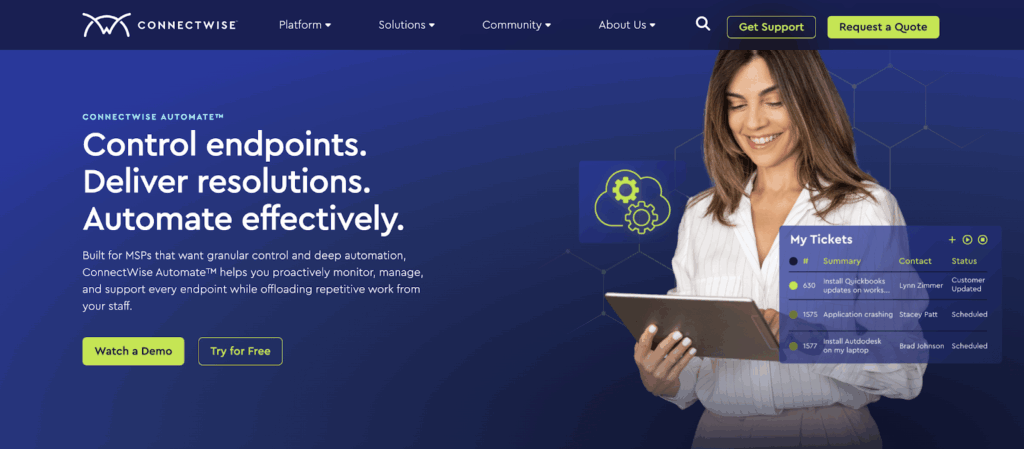
ConnectWise Automate offers extensive RMM capabilities with strong ConnectWise ecosystem integrations. The platform excels at automated device discovery, comprehensive monitoring with 200+ performance counters, and scripted responses.
Key features: Native data sync with ConnectWise Manage and Control. Scripting engine for complex automation with multi-stage deployments. Centralized dashboard for multi-client network monitoring.
Pros: Deep integration depth eliminating data silos for ConnectWise users. Flexible scripting for complex automation needs.
Cons: Suite model requires separate subscriptions for RMM, PSA, and remote access. Organizations typically pay $6-8 per endpoint monthly for all three. Interface requires 3-6 months for proficiency.
Best for: MSPs already using ConnectWise Manage who need deep RMM capabilities and can dedicate resources to training.
Atera: Best budget-friendly RMM with flat per-technician pricing

Atera uses flat-rate, per-technician pricing instead of per-endpoint charges. This model benefits MSPs managing ratios of 100:1 or higher, eliminating growth penalties.
Key features: Built-in PSA combining RMM and business management. Remote monitoring, patch management with automatic approval rules, and help desk ticketing with SLA tracking. Strong mobile app for on-the-go management.
Pros: Transparent pricing at $119 per technician monthly for unlimited endpoints. Cloud-based interface emphasizes ease of use with straightforward navigation.
Cons: Less network monitoring depth than Kaseya or NinjaOne. SNMP monitoring lacks device auto-discovery. Insufficient for MSPs with complex services or enterprise clients with 100+ users.
Best for: Small to mid-sized MSPs (under 50 clients) valuing predictable costs and ease of use over extensive customization.
N-able N-central: Best security-first RMM for regulated industries
N-able N-central focuses heavily on security alongside RMM capabilities with endpoint management, integrated EDR and vulnerability scanning, and backup options.
Key features: Threat detection using behavior analytics. Automated patching with testing workflows, staged deployment, and automatic rollback. Multi-platform support for Windows, Mac, and Linux from centralized console.
Pros: Excellent for organizations prioritizing security monitoring and compliance (HIPAA, SOC 2, PCI-DSS). Integration options cover PSA, backup, reporting, and security tools.
Cons: Per-endpoint pricing starting around $3-4 per device monthly for Essential tier, reaching $5-7 with security features. Security focus makes basic RMM operations feel more complex.
Best for: MSPs serving healthcare, financial services, or regulated industries where security monitoring and compliance reporting matter.
Datto RMM: Best RMM for SMB-focused MSPs needing simplicity
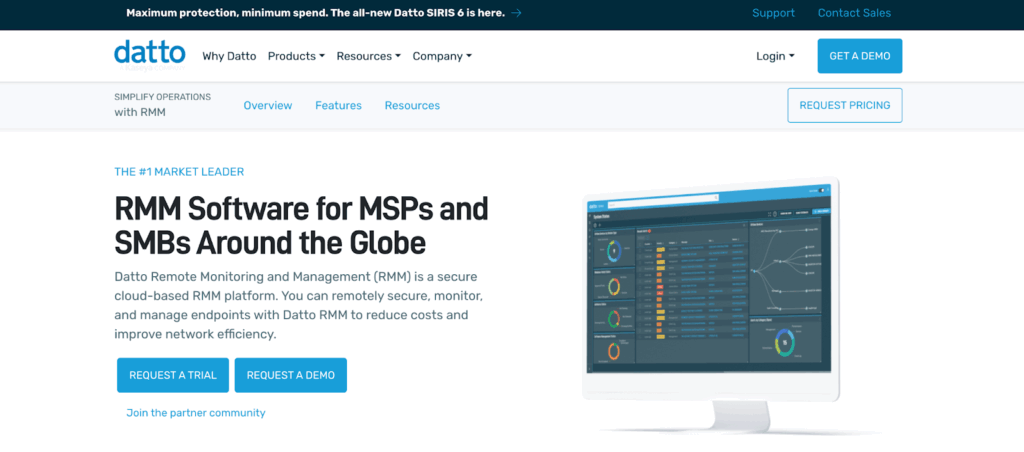
Datto RMM (owned by Kaseya since 2022) targets SMBs with an integrated platform. The modern interface makes it approachable for service providers without dedicated automation specialists.
Key features: Remote control through integrated Splashtop with strong connection speed and reliability. Scripting management for custom PowerShell and Bash scripts with 300+ community procedures. 99.9% SLA for hosted infrastructure.
Pros: Simplified approach compared to Kaseya VSA. Lightweight agent installs quickly with minimal endpoint performance impact.
Cons: Long-term direction ties to Kaseya’s broader strategy with roadmap alignment toward Kaseya 365. Future integration with larger Kaseya suite remains unclear.
Best for: MSPs wanting reliable RMM for straightforward monitoring and patching without extensive customization beyond basic PowerShell.
Other Kaseya competitors and alternatives to evaluate
Pulseway: Real-time monitoring with mobile-first workflows. Push notifications within seconds. Pricing starts around $2-3 per device monthly. Best for MSPs prioritizing mobile access.
ManageEngine Endpoint Central: RMM focused on patch management covering 850+ third-party applications. Pricing at $95 per technician annually. Best for internal IT teams in mid-sized enterprises (500-2,500 employees).
GoTo Resolve: Remote monitoring and IT support designed for simplicity. Pricing around $29-39 per technician monthly. Best for small IT teams or MSPs with the first 5-10 clients.
Naverisk: Cloud-based RMM targeting budget-conscious MSPs. Pricing around $1.50-2.50 per endpoint monthly includes RMM and PSA. Best for smaller MSPs (under 25 clients).
Action1: Cloud-native approach emphasizing patch management. Free tier for up to 100 endpoints. Best for organizations prioritizing patch management over comprehensive RMM.
How to choose the right RMM: Key criteria and evaluation checklist
Compare pricing models (per-endpoint vs. per-technician). Per-endpoint pricing at $4 per device means $8,000 monthly at 2,000 endpoints before add-ons. Per-technician models like Syncro’s keep costs flat as endpoints increase.
Evaluate ease of use and technician onboarding time. Complex platforms require 6-12 weeks for full productivity. Intuitive interfaces reduce onboarding to 1-2 weeks.
Check integration depth across PSA, ticketing, and billing. Verify bidirectional data sync for automated ticket creation from alerts and asset sync to PSA for billing.
Compare automation depth, scripting support, and workflows. Basic platforms handle threshold-based alerting. Advanced options provide PowerShell support, automated remediation, and workflow customization.
Test alternatives with 14-30 day free trials. During trials, test alert investigation, patch deployment, script execution, and report generation.
Why integrated RMM + PSA + M365 tools simplify MSP operations
Disconnected RMM, PSA, and Microsoft 365 tools waste technician time switching contexts and consume 5-10 hours weekly on manual billing for 50-client MSPs.
Syncro’s XMM platform unifies RMM, PSA, and M365 management in a single interface. Automated workflows span endpoint monitoring, ticket management, and billing. Real-time dashboards show device health, security vulnerabilities, and unbilled charges.
The flat $129 per-technician pricing with unlimited endpoints means growing from 50 endpoints to 500 endpoints doesn’t spiral costs from $200 monthly to $2,000 monthly. No contracts provide flexibility to scale.
Start your free trial and see how Syncro reduces complexity while improving service delivery.
Or schedule a demo to explore how XMM fits your workflow and growth plans.
Frequently Asked Questions
Per-endpoint pricing charges you for every device you manage. At $4 per endpoint, managing 500 devices costs $2,000 monthly. As you add more clients and devices, costs increase linearly. Per-technician pricing charges a flat rate per team member regardless of endpoint count. Syncro’s $129 per technician model means the same monthly cost whether you manage 50 endpoints or 500 endpoints. This pricing structure rewards growth instead of penalizing it.
Migration timelines vary based on your deployment size and complexity. Small MSPs with under 100 endpoints typically complete migration in 1-2 weeks. Mid-sized operations with 500+ endpoints usually need 3-4 weeks. The process involves exporting customer data, installing new agents, configuring monitoring policies, testing alerting workflows, and training technicians. Platforms like Syncro offer migration tools that automate contact imports from Kaseya, Atera, Autotask, NinjaOne, and ConnectWise, reducing manual data entry significantly.
It depends on your priorities. Separate best-of-breed tools offer maximum specialization but create integration challenges, require managing multiple subscriptions, and force technicians to switch between platforms constantly. All-in-one platforms like Syncro eliminate tool sprawl and context switching but may lack the extreme depth of specialized tools. For growing MSPs dealing with disconnected systems and manual data entry between tools, unified platforms typically deliver better operational efficiency. For large enterprises with dedicated integration teams, separate tools might make sense.
Industry pricing typically ranges from $2-5 per endpoint monthly depending on features and vendor. Budget options like Naverisk start around $1.50-2.50 per endpoint. Mid-tier platforms like Datto RMM and N-able N-central run $3-4 per endpoint for basic tiers. Premium options with advanced features reach $5-7 per endpoint. Enterprise deployments often negotiate volume discounts. Per-technician pricing models like Syncro ($129 monthly) and Atera ($119 monthly) work differently by charging per team member for unlimited endpoints instead of per-device.
Most RMM vendors offer free trials ranging from 14-30 days with full feature access. During trials, you can test alert investigation, patch deployment, script execution, and report generation with real workloads. Syncro, NinjaOne, Atera, and ConnectWise all provide trial access without requiring credit cards upfront. Use trial periods to evaluate how quickly technicians become productive, whether the platform handles your specific use cases, and if integration with existing tools works smoothly. Action1 offers a permanent free tier for up to 100 endpoints if you want extended testing before scaling up.

Share
Related Resources